Logo guide
How to Make Your Own Poker Chip Logo
Making a great logo for your custom poker set is easier than ever — and you can do it for free. With tools like ChatGPT and Canva, you can turn a simple idea into a polished design for your next home game.
Start by thinking about the style, theme, colors, and text you want. Then open ChatGPT or another AI image tool and describe your idea with a prompt similar to the example below.
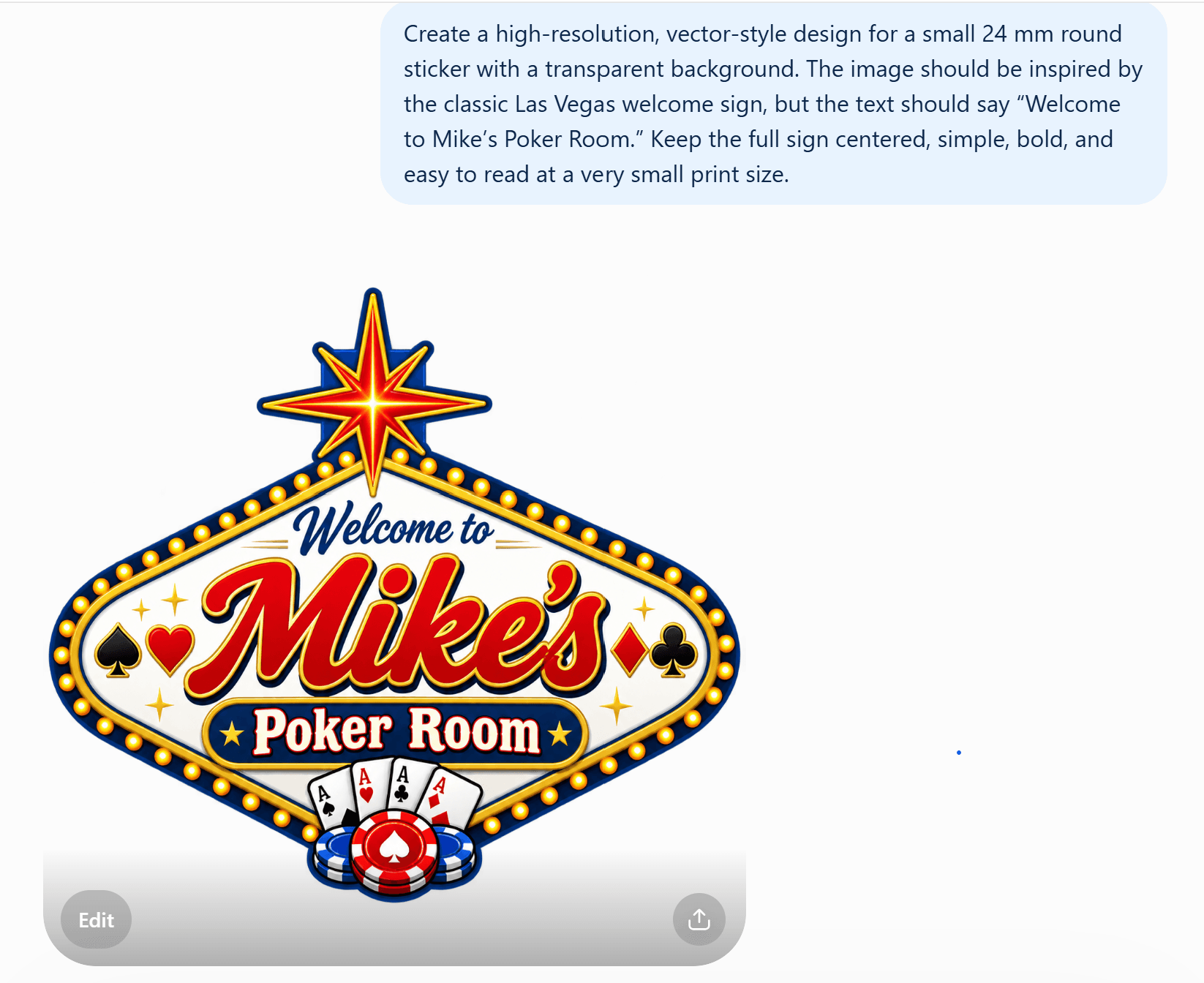
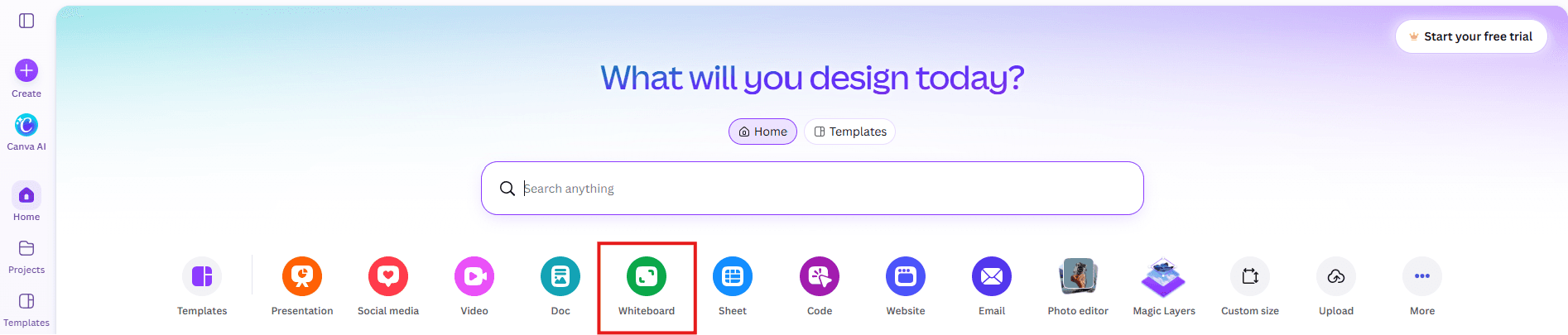
Once you have an image you like, open Canva and create a free account. From the Canva home page, start a new Whiteboard project.
Begin by adding a circle shape. This will help you build your logo in the same round format used on a poker chip.
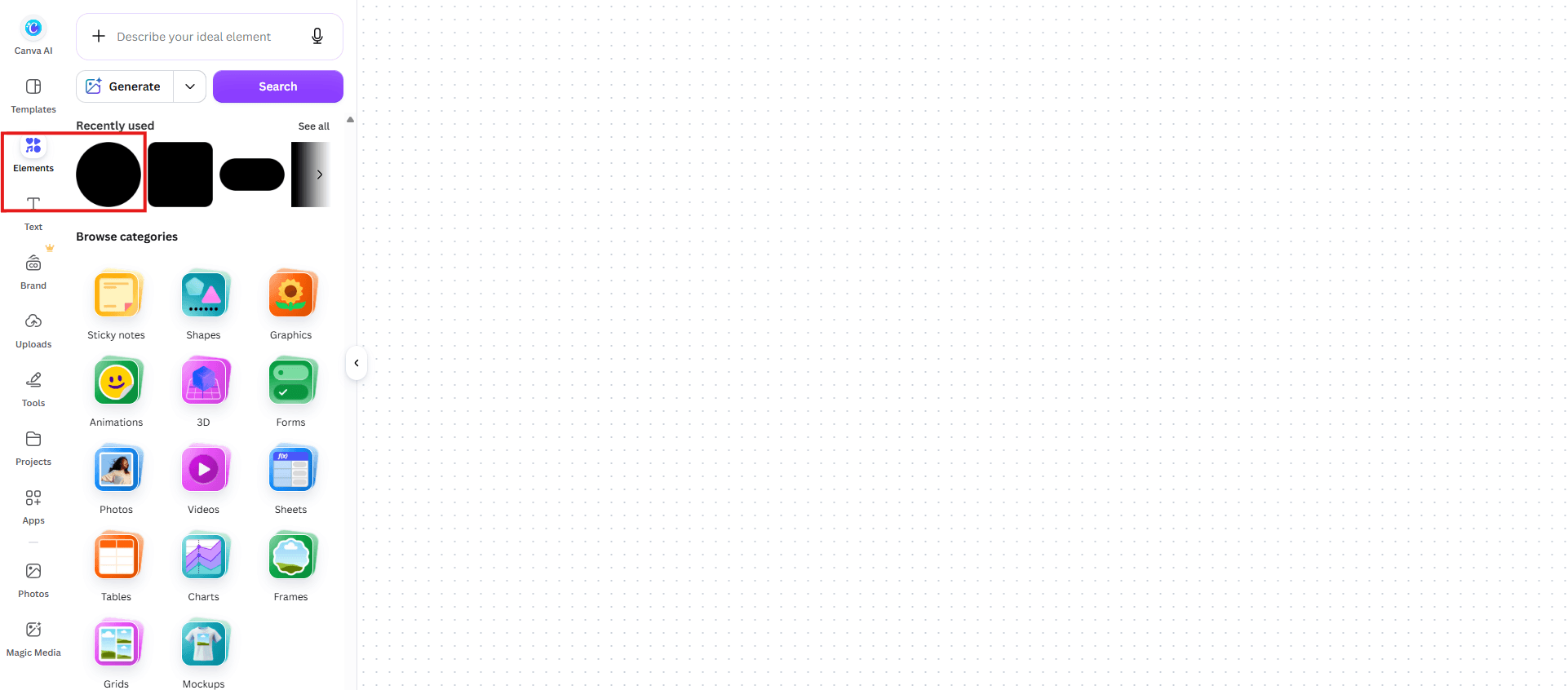
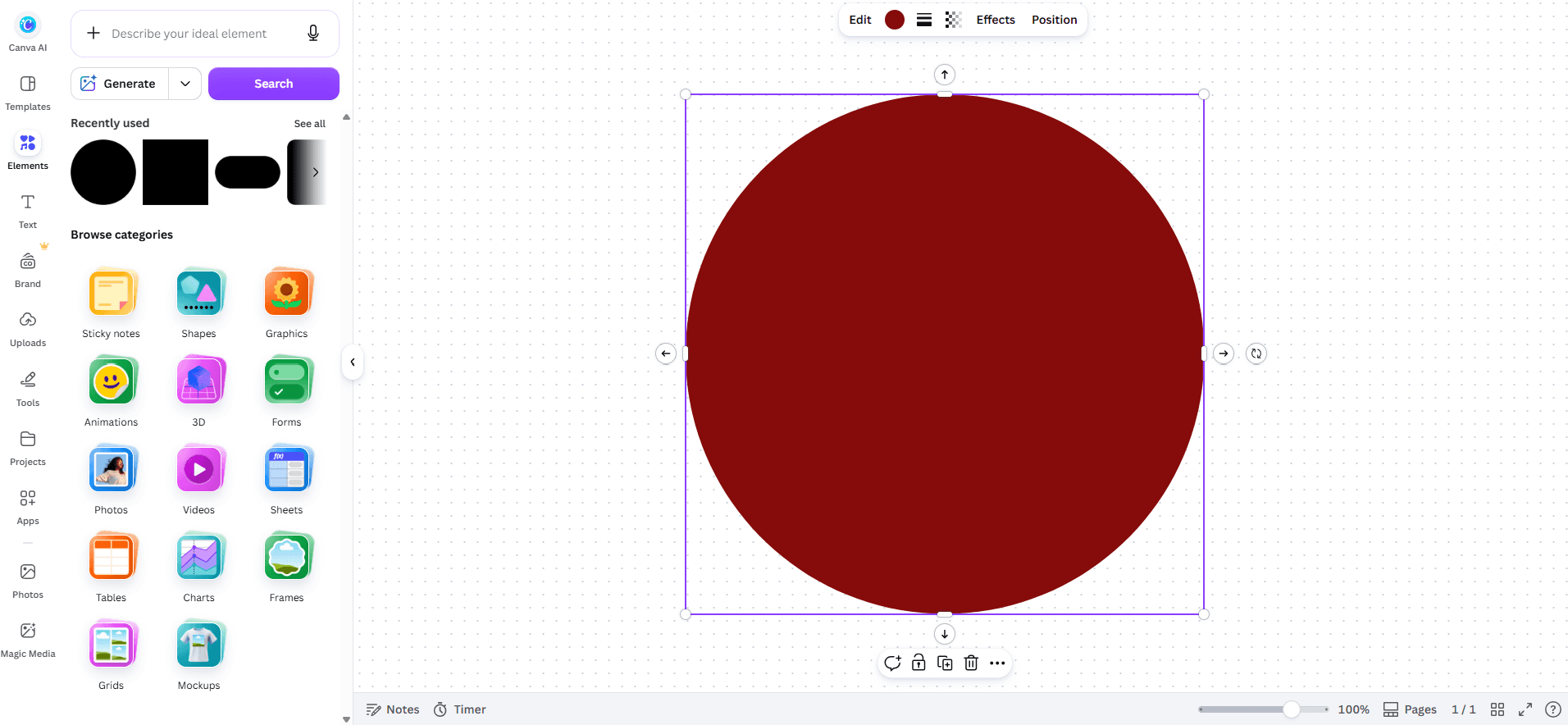
Next, drag the image you created with the AI tool into Canva and begin editing. You can add text, shapes, borders, colors, or other details until the logo looks exactly how you want it.
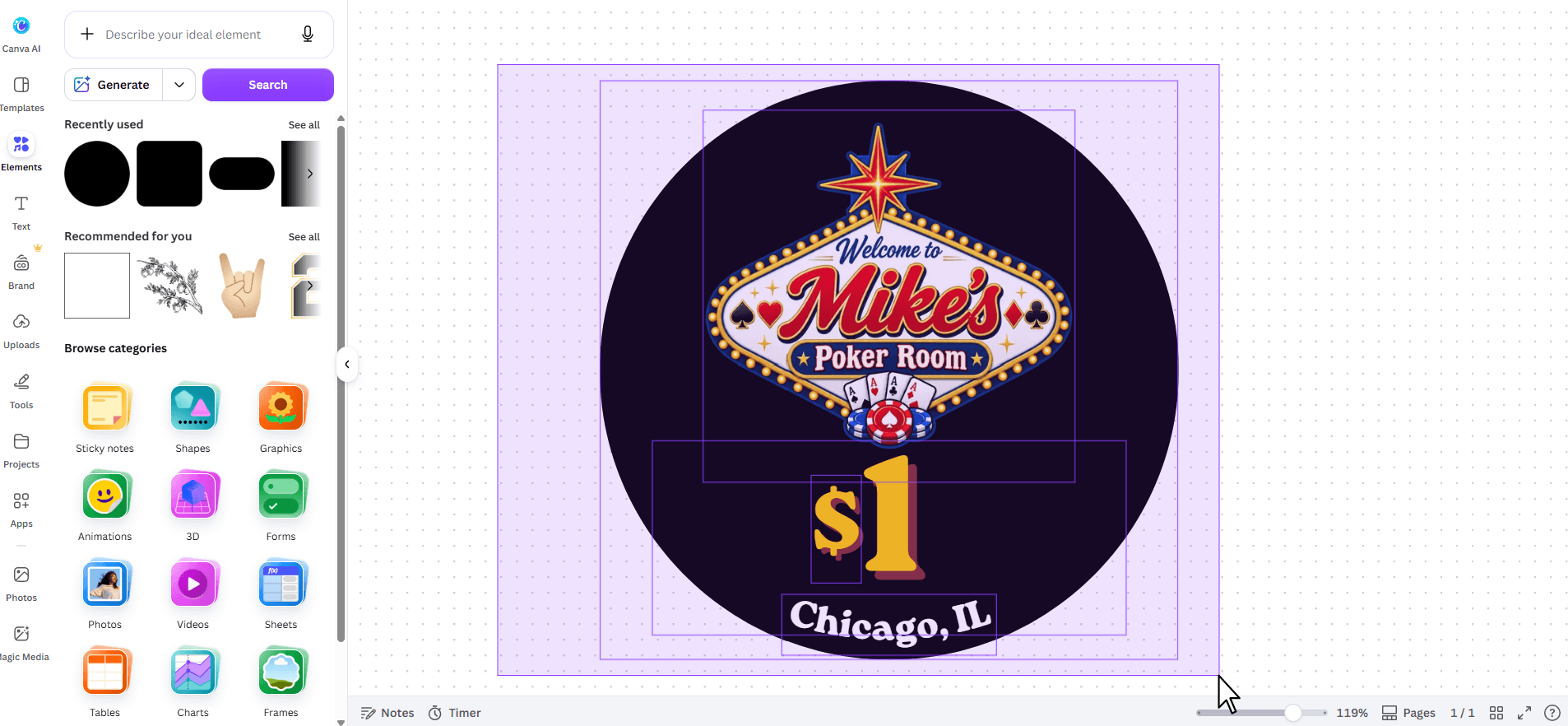
When your design is finished, drag a selection box around all parts of the logo so everything is selected.
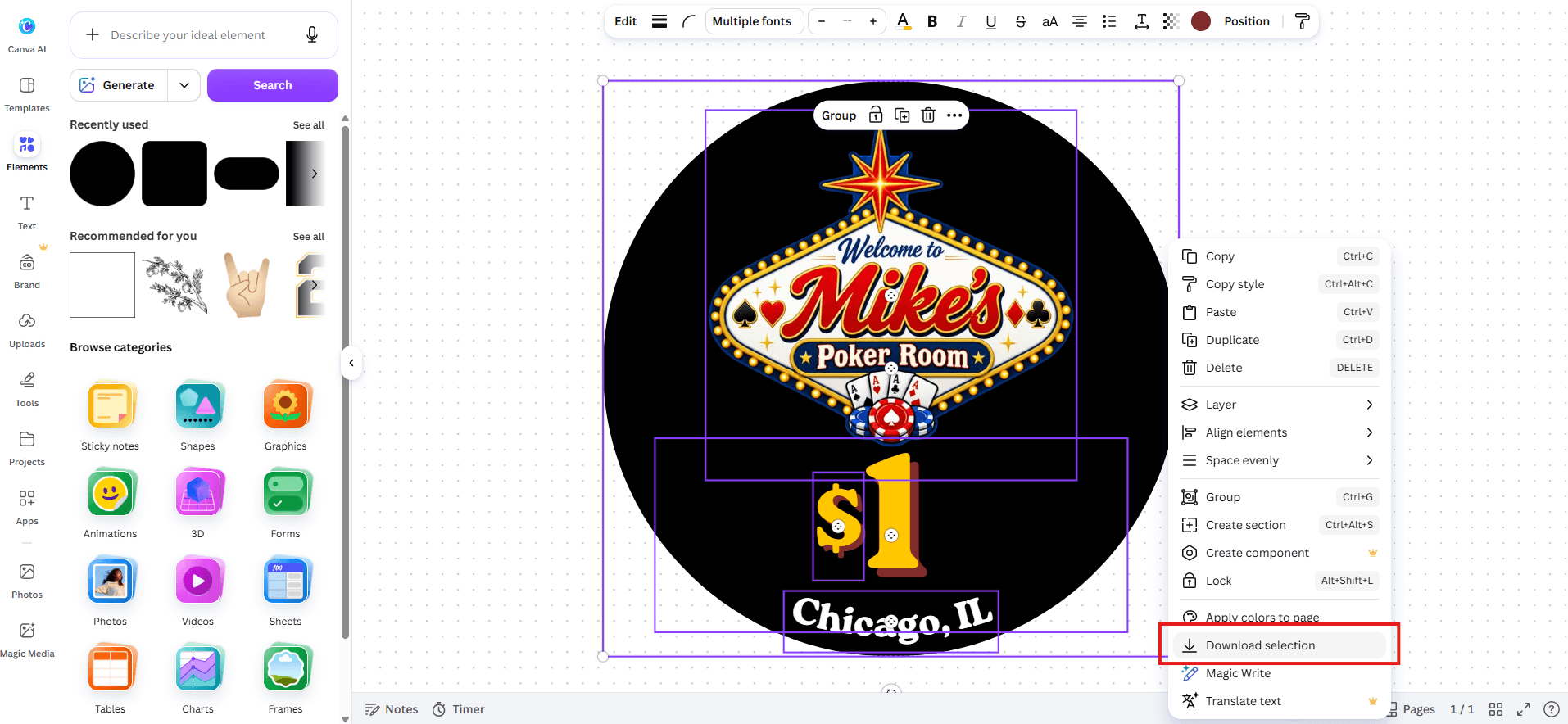
Right-click the selection and choose Download selection.
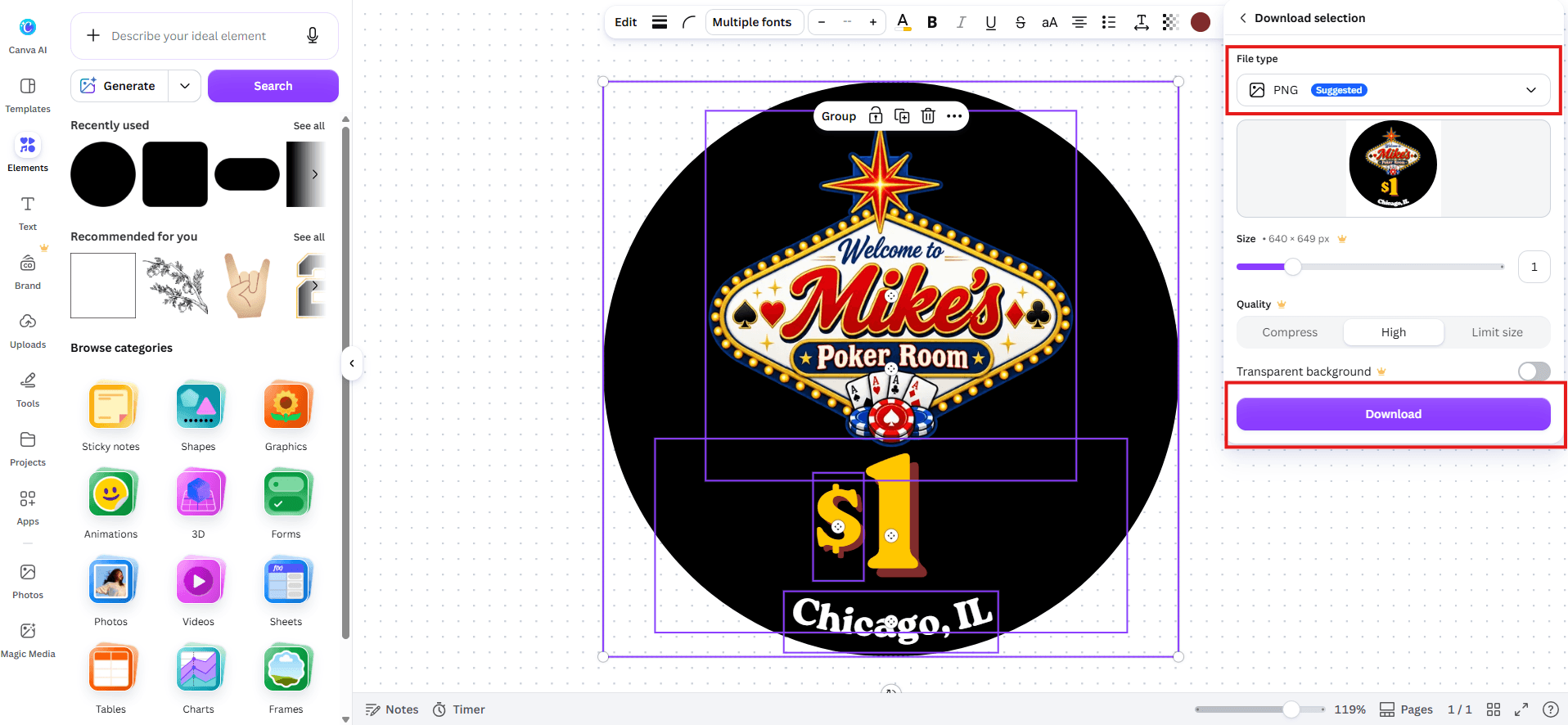
Download the finished image, then upload it into the High Score Chips Designer.
Sometimes Canva may export the design slightly off-center, especially if the original circle was not perfectly centered on the Whiteboard.
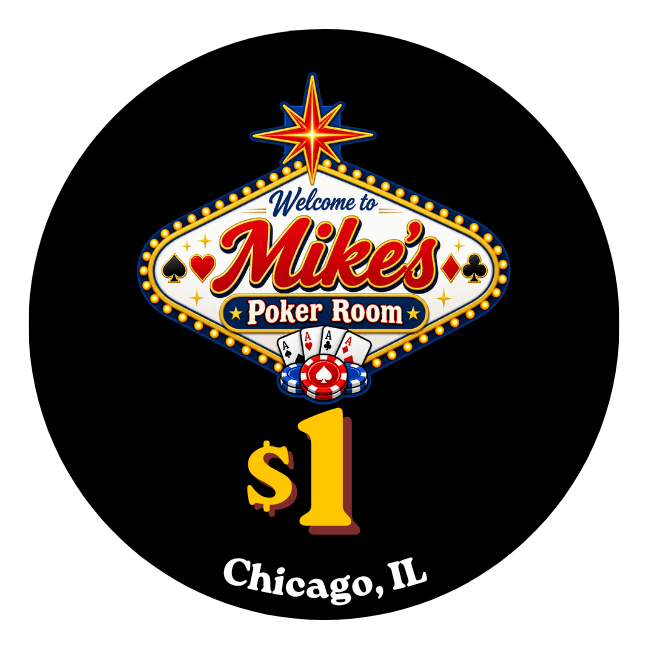
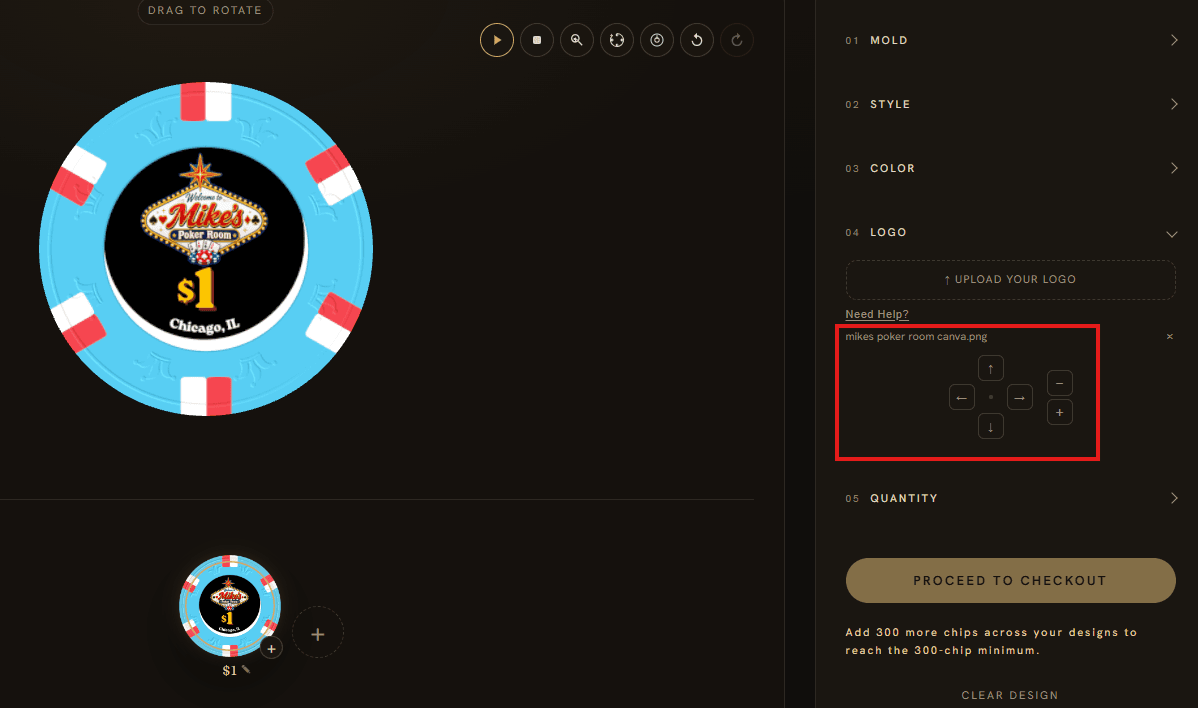
If that happens, use the positioning and adjustment controls shown above to move and size the logo until it sits perfectly on the chip.
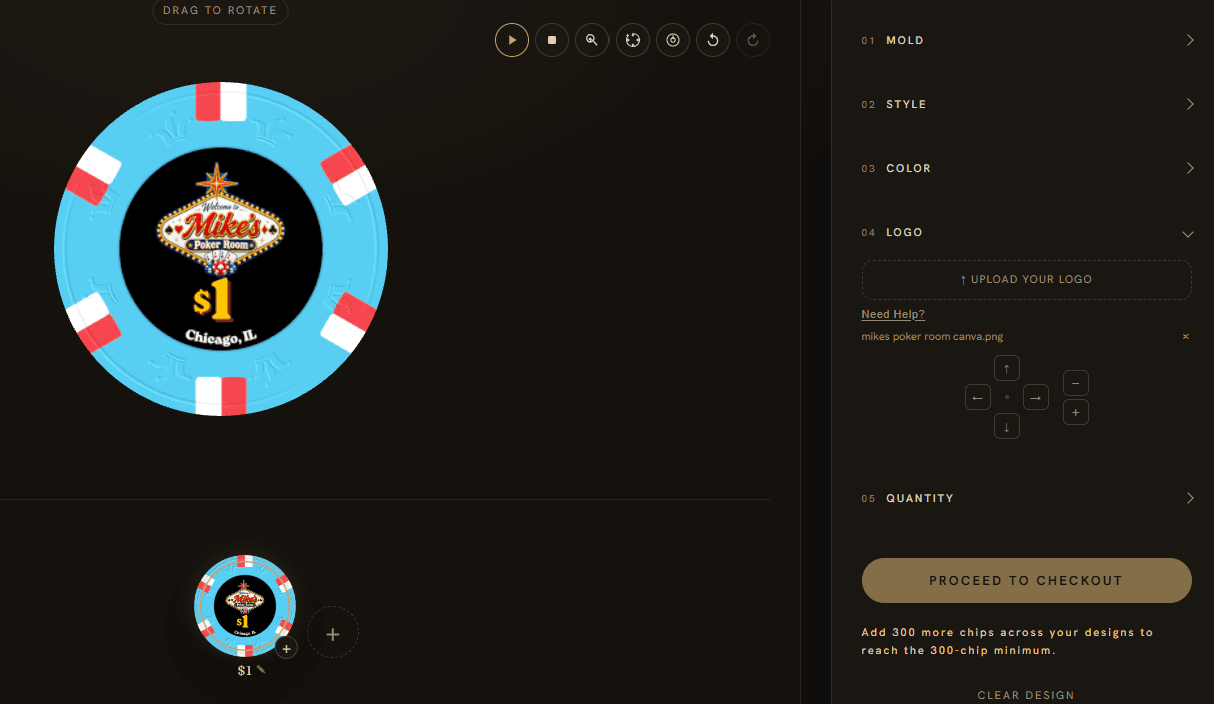
That’s it — you now have your own high-quality custom poker chip logo. We can’t wait to see what you create.